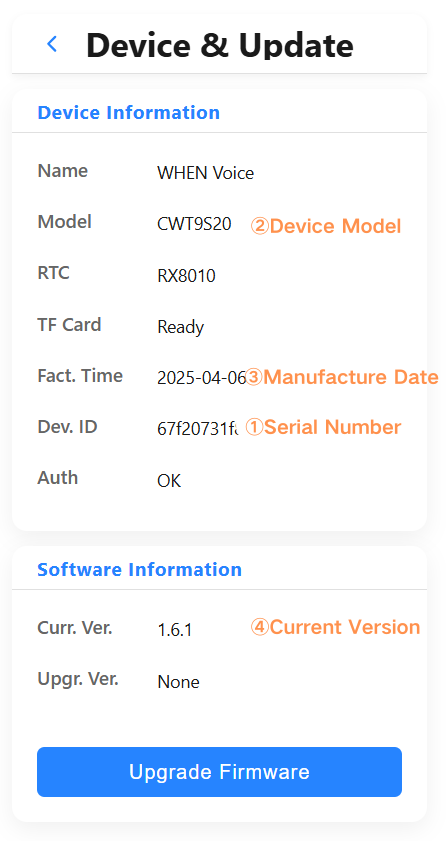
To better balance feature completeness and user experience, we designed this independent web-based upgrade tool instead of providing “Check New Version” or “Auto-Upgrade” functionality directly on the device. This approach is based on the following considerations:
1. Most users don’t need frequent upgrades
The current device functionality is already very comprehensive. In most daily usage scenarios, the existing version fully meets user needs. Excessive upgrade notifications or complex new features might instead bring unnecessary confusion and operational burden to ordinary users.
2. Some new versions involve significant changes requiring adequate preparation
Certain important updates involve underlying framework replacements, core feature restructuring, or interaction logic adjustments. These changes typically require accompanying detailed usage instructions and special notes. If pushed directly on the device, ordinary users may find it difficult to quickly understand and adapt.
3. Support flexible cross-version upgrade/downgrade
The upgrade tool allows users to freely select any historical version (including upgrade/downgrade). Therefore, it’s impossible to automatically preserve or migrate all parameter configurations for all version combinations. To avoid accidental data loss or configuration confusion, we chose not to implement automatic detection and upgrade on the device, but instead give control to users with specific needs.
4. Maintain device simplicity and stability
By making firmware upgrade an independent web tool, we only expose it to users with specific needs (such as pursuing the latest features, fixing specific issues, or rolling back to older versions). This preserves device simplicity and stability while providing advanced users with sufficient flexibility.